

A smart home for an old house does not require a full renovation or complicated rewiring. Many useful upgrades can be added gradually, helping automate everyday tasks while keeping existing rooms and routines intact. Start with one practical need, check that each device is compatible with your home, and build from there.
Simple additions can help manage lights, schedules, temperature, and home security. Some devices plug into existing outlets, while others replace switches or connect to existing heating systems. Before buying, check your Wi-Fi coverage, device requirements, and whether professional installation is recommended.
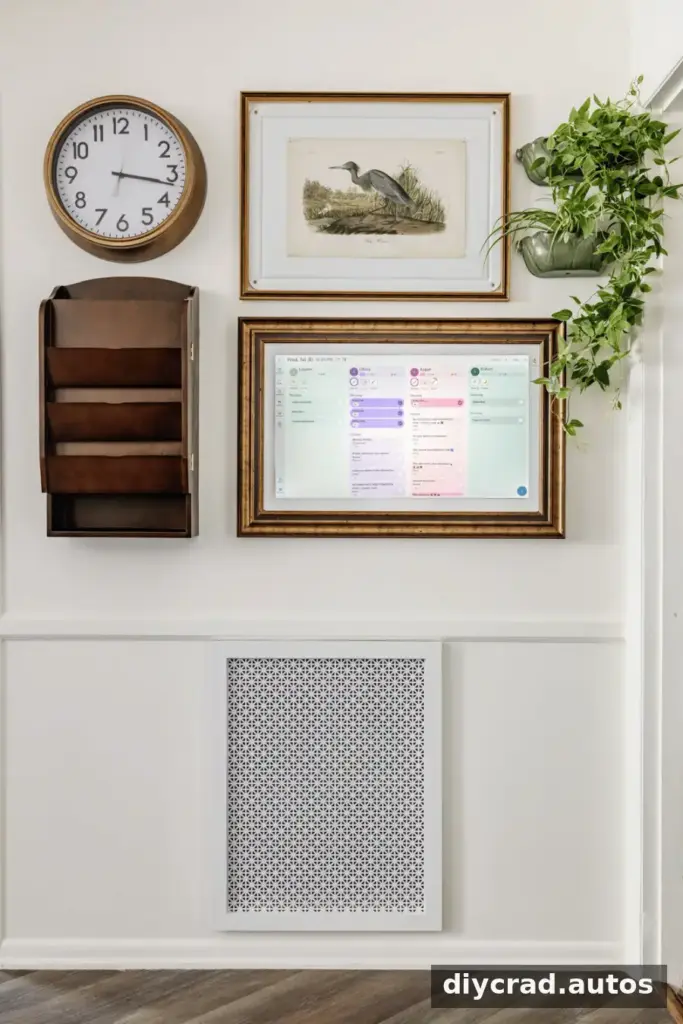
Start With a Shared Digital Family Calendar
A wall-mounted digital calendar can bring family schedules, meal plans, reminders, and chores together in one place. Shared calendars can sync across household members’ devices, reducing reliance on paper notes and separate lists.
- Keep appointments and activities visible to the household.
- Use reminders for recurring tasks and important dates.
- Check whether the calendar works with the services your family already uses.
Most displays need only a suitable mounting location and a power outlet. A recessed outlet may help conceal a cable, but it is optional and should be installed by a qualified professional.
Add Comfort With Scheduled Fragrance
Connected fragrance diffusers can let you set operating times, adjust intensity, and change settings from a phone. Some models also notify you when a cartridge needs replacing. Scheduling a diffuser for particular times can make its use more predictable.
Check the manufacturer’s safety instructions, especially around children, pets, and people sensitive to fragrance. Avoid running any diffuser in a way that conflicts with its operating guidance.
Use Smart Plugs for Simple Automation
A smart plug is often an accessible first step because it can control a compatible plug-in device without changing household wiring. Depending on the plug and its app, you may be able to schedule a lamp, holiday lights, or a fan.
- Set lamps to switch on around sunset.
- Schedule seasonal lights to turn off at bedtime.
- Use app or voice controls where supported.
Check the plug’s power rating and the appliance’s requirements before connecting them. Do not use a smart plug to control equipment that should not be left unattended or that requires manual supervision.
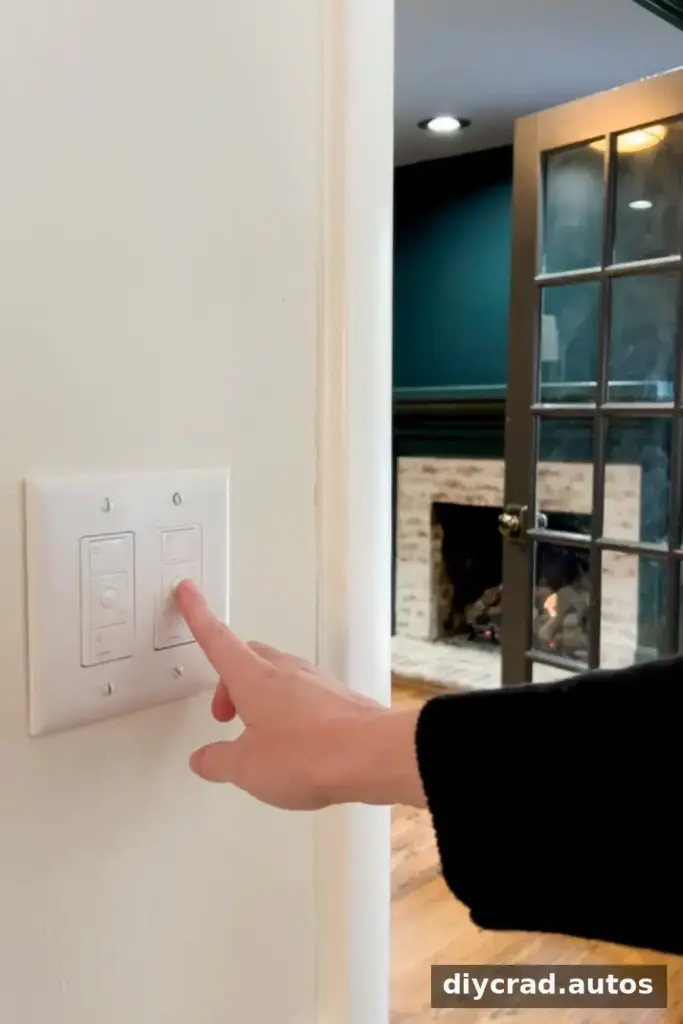
Make Lighting Smarter in an Older Home
Smart switches and dimmers can control compatible lights by app, voice, or schedule. They can also support scenes for activities such as relaxing or watching a film. Some switch models are designed to work without a neutral wire, but requirements vary, so confirm the wiring before purchasing.
Electrical wiring in older homes can differ from modern installations. If you are unsure about the wiring or installation, consult a licensed electrician rather than attempting work beyond your skill level.
Improve Entryway Security With a Video Doorbell
A connected doorbell may provide visitor alerts, two-way communication, motion notifications, and package monitoring. These features can be useful when no one is near the entrance, but they depend on factors such as Wi-Fi strength, power supply, and the device’s subscription or storage options.
Review privacy settings and local rules before recording or sharing footage, particularly if a camera captures shared spaces or neighboring properties.
Consider a Smart Security System
Connected cameras and other security devices can help you check your home remotely. Choose camera locations carefully, secure accounts with strong passwords, and enable available account-protection features. A connected system can support awareness, but it should not be treated as a substitute for appropriate physical security or emergency services.
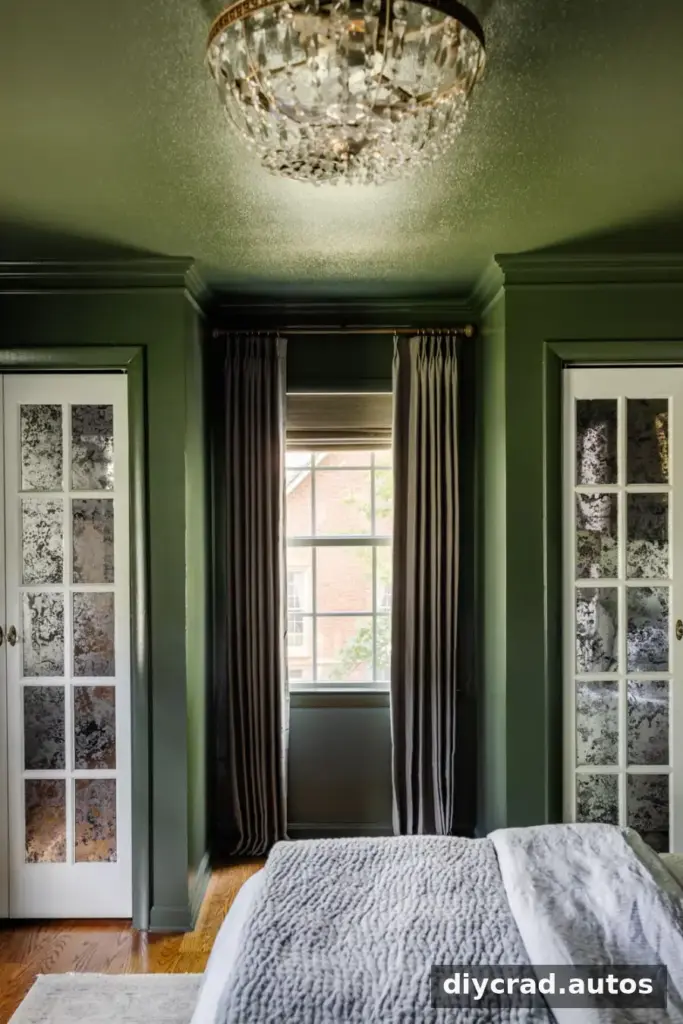
Automate Curtains and Window Coverings
Motorized curtain devices can open or close compatible curtains on a schedule, including at sunrise or sunset. They may also be helpful for windows that are difficult to reach. Before choosing a device, check the curtain type, track or rod compatibility, power needs, and how the device operates during a network outage.
Scheduled opening and closing can help manage privacy and daylight. Pairing window coverings with lighting may make a morning routine feel more gradual.
Use Smart Speakers as a Household Intercom
Compatible smart speakers in different rooms can support announcements, voice calls, and shared music. This can make it easier to communicate across a house with separate rooms or multiple floors.
- Broadcast a reminder or call everyone to a meal.
- Check which rooms and devices support announcements.
- Review microphone and voice-history settings, especially in shared spaces.
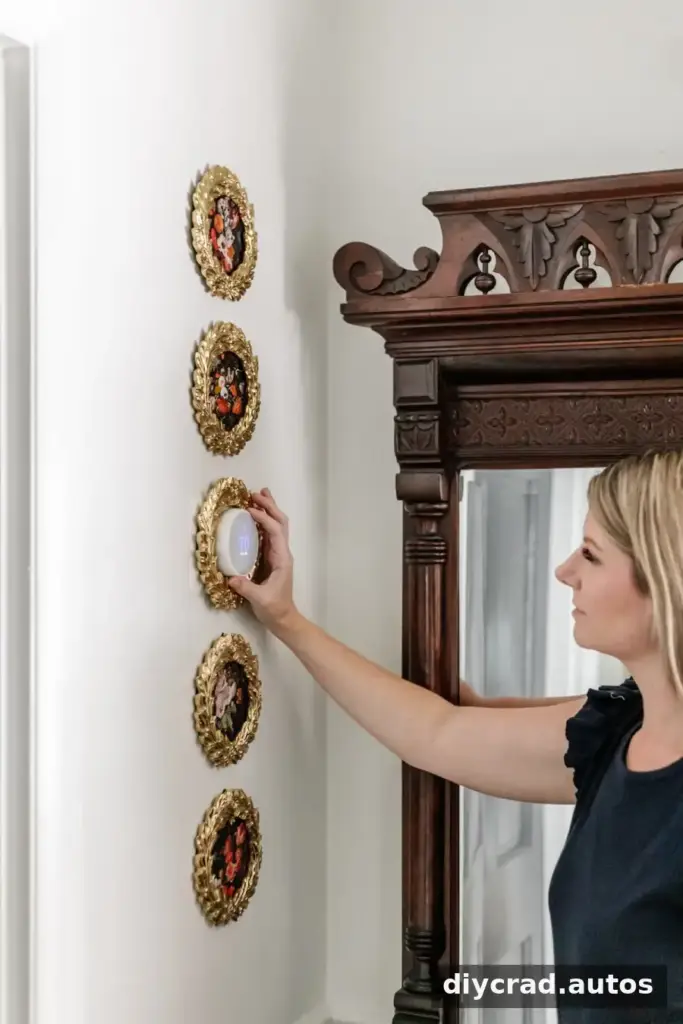
Choose a Smart Thermostat for Better Control
A smart thermostat can adjust heating or cooling based on schedules and allow remote changes through an app. Some models offer learning or energy-report features, but compatibility with your existing heating and cooling system is essential.
Check the system’s wiring and the thermostat’s requirements before buying. If the installation or system compatibility is unclear, seek professional advice. Savings are not guaranteed and depend on the home, equipment, settings, and energy use.
Check Floors Before Buying a Robot Vacuum
A robot vacuum can clean on a schedule and may be useful for dust, everyday debris, and pet hair. Door thresholds, rugs, clutter, and narrow passages can affect how well it moves through an older home.
Measure raised thresholds and consider the floor layout before choosing a model. Keeping cables and small objects out of its path can also reduce interruptions.
Place Smart Leak Detectors Near Water Sources
Leak detectors can send an alert when they sense water, giving you a chance to respond sooner. Consider placing them near washing machines, dishwashers, water heaters, sinks, toilets, and HVAC condensation lines.
Confirm whether a detector needs Wi-Fi, a hub, or a particular app, and test it periodically. An alert can help limit response time, but it cannot prevent every leak or guarantee that water damage will be avoided.
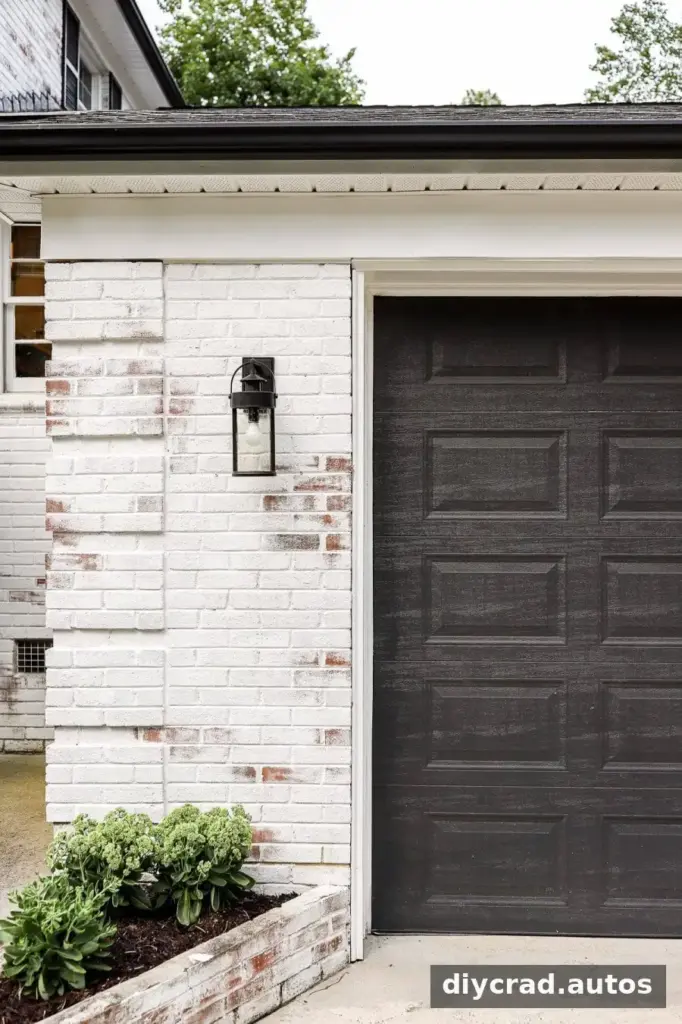
Add a Smart Garage Door Controller
A compatible controller may let you check the garage door’s status and operate it from a phone. Some systems also offer arrival-based features. Compatibility varies by opener, so verify the model requirements and safety functions before installation.
Use remote operation carefully and make sure the doorway is clear before closing the door. Keep account access secure, since a connected garage is also an entry point to the home.
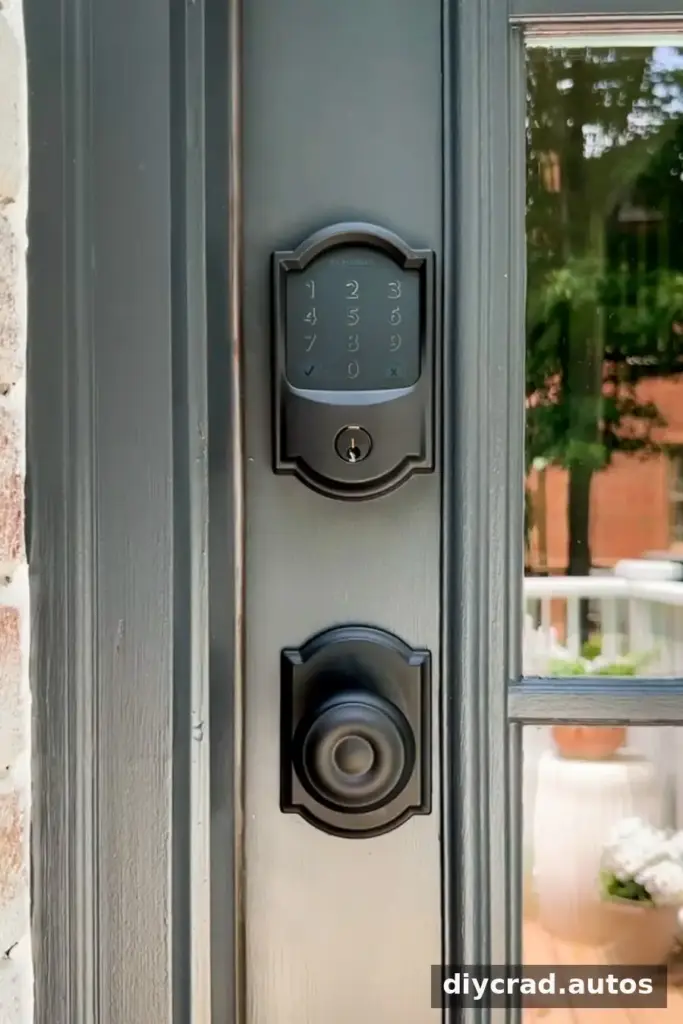
Use Smart Locks for Easier Access
Smart locks can provide keypad or app access, temporary guest codes, and automatic locking on compatible doors. They may be convenient for family members or trusted visitors, but check door and lock compatibility, battery requirements, and backup entry options.
Use unique access codes and remove temporary permissions when they are no longer needed. Keep a backup plan for a depleted battery or connectivity problem.
Consider Motorized Blinds and Shades
Motorized shades can be scheduled for privacy, daylight control, or convenience in hard-to-reach areas. Options may use rechargeable batteries, replaceable batteries, or solar charging. Compare charging needs and window measurements before ordering.
- Bedrooms where scheduled opening may help with a morning routine.
- Sunrooms where managing daylight is useful.
- Windows that are difficult to reach manually.
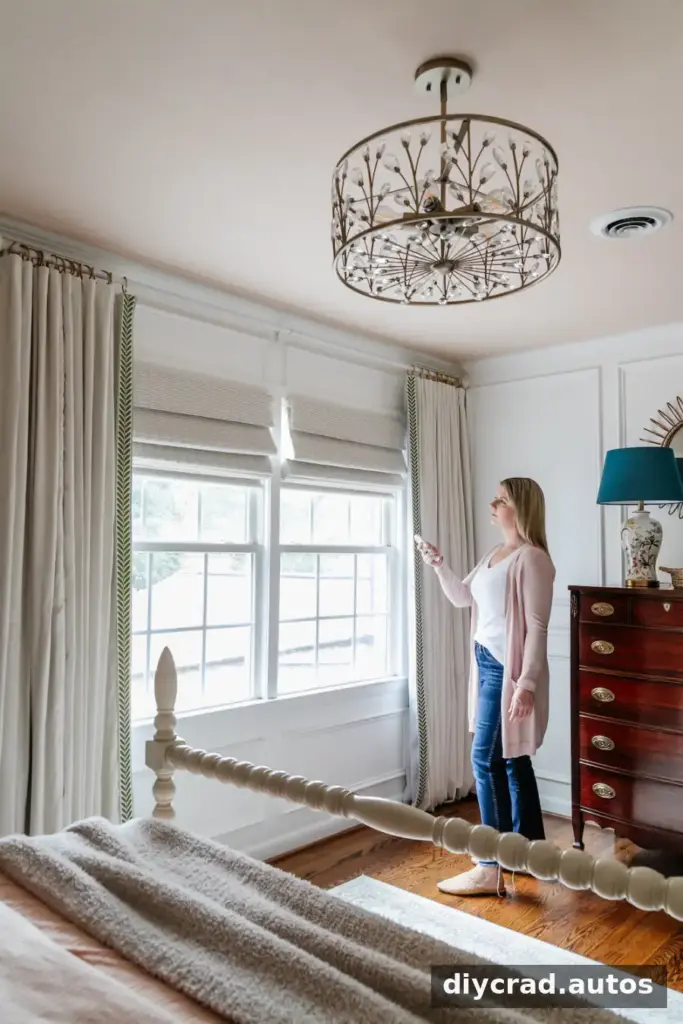
Connect Devices With Smart Home Routines
Routines combine compatible devices and actions into a single schedule or voice command. For example, a morning routine might open curtains, turn on selected lights, and adjust the thermostat. An evening routine might dim lights and lock compatible doors.
Start with a few reliable actions and test the routine while you are at home. Device compatibility, internet access, and app settings can affect whether an action runs as expected. Keep essential tasks, such as locking doors, easy to verify.
Build a Smart Home for an Old House One Step at a Time
Making a smart home for an old house is less about collecting gadgets and more about choosing upgrades that solve everyday problems. Begin with a low-disruption option, such as a shared calendar or compatible smart plug, then consider lighting, security, or comfort devices as needed.
Before each purchase, check compatibility, privacy settings, power requirements, and how the device will work if Wi-Fi is unavailable. A gradual approach can help an older home feel more convenient without taking on unnecessary renovation or expense.

