

Planning a room renovation involves more than choosing paint and furniture. The right room makeover planning tools can help you keep measurements, costs, design ideas, deadlines, and contractor details organized before work begins. A simple spreadsheet, a mood-board creator, and a room-layout planner cover many of the practical steps involved.
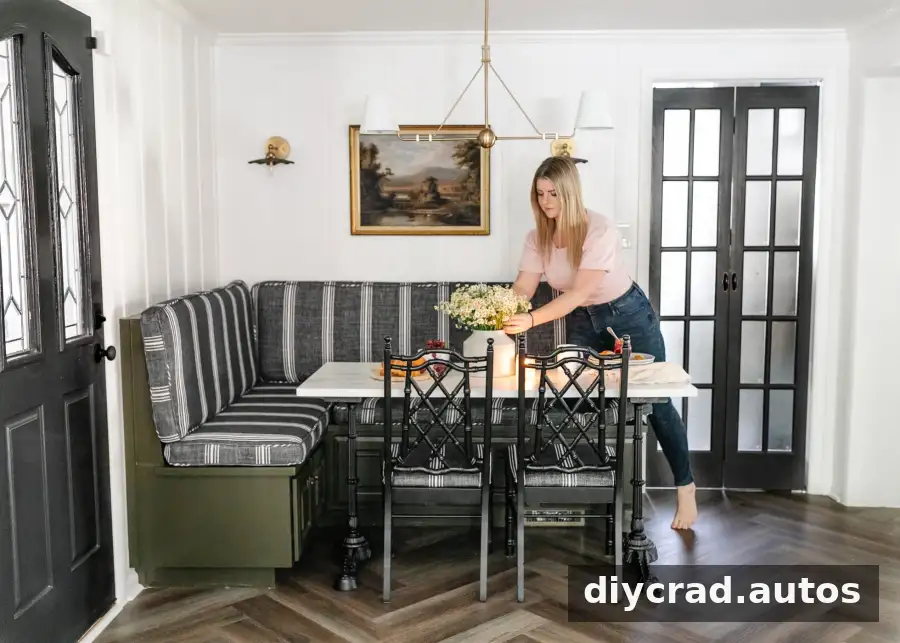
It can be tempting to focus only on the visual details, but planning the numbers and logistics matters too. Recording information as you make decisions makes it easier to compare options, notice potential budget issues, and keep the project moving. You do not need advanced DIY skills to benefit from a clear plan.
How to Plan a Room With 3 Essential Tools
A room makeover often includes several connected tasks. Depending on the project, you may need to:
- Set a budget and track spending
- Record room and furniture measurements
- Collect paint colors, product details, and design links
- Set goals, deadlines, and task lists
- Explore furniture arrangements
- Keep contractor details and communications together
- Build a visual guide for the finished room
These steps are useful whether you are refreshing a single room or planning a larger renovation. Start by gathering existing measurements and making a list of what needs to change. This gives you a practical foundation before you buy materials or schedule work.
1. A Spreadsheet for Room Makeover Planning
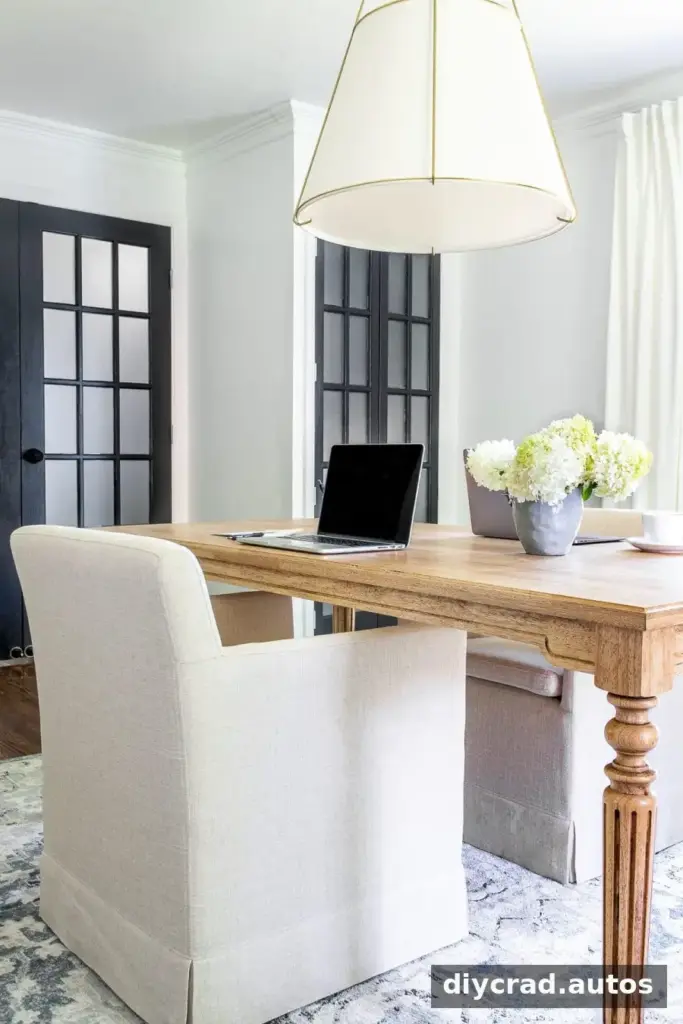
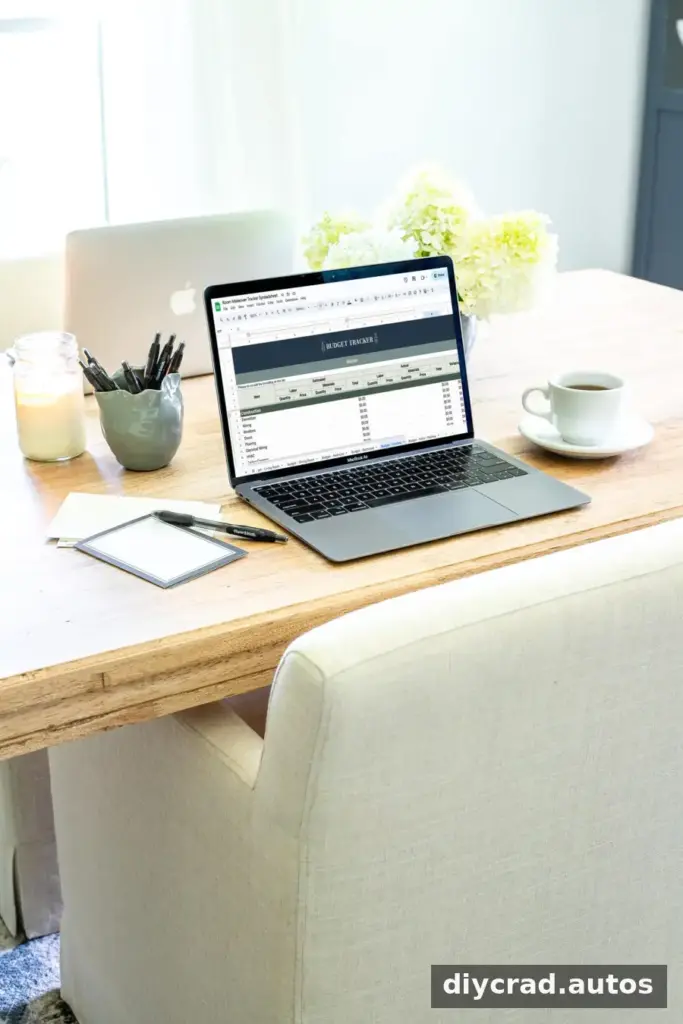
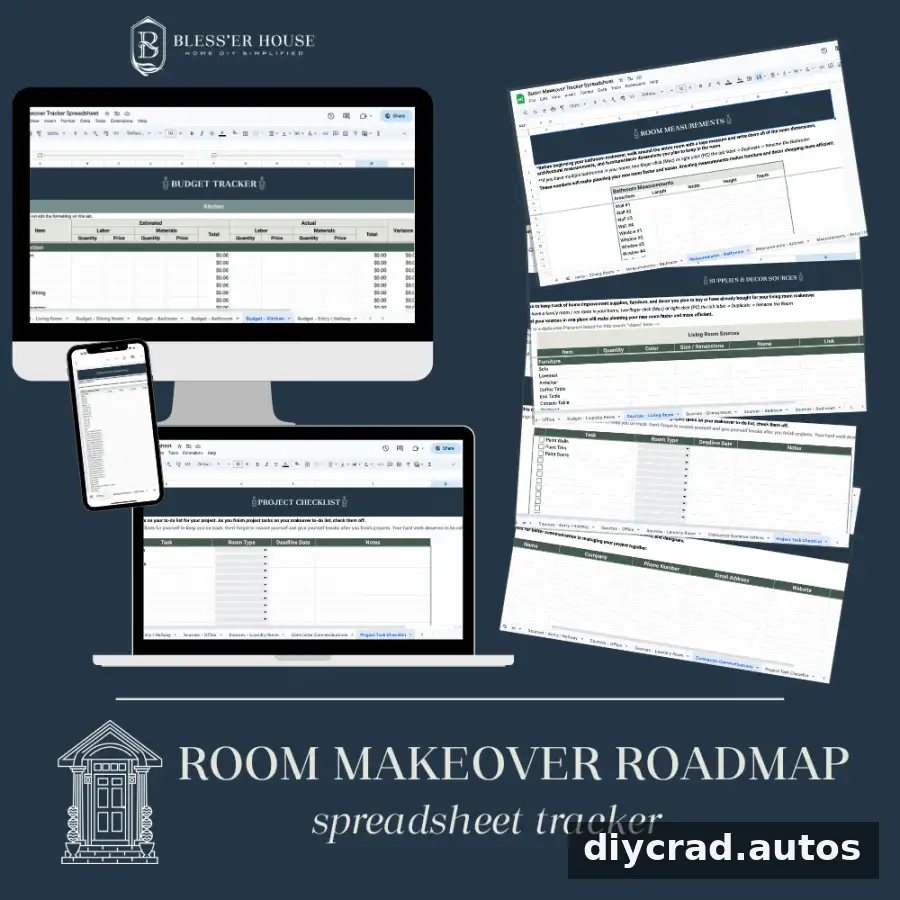
A spreadsheet is a practical home base for the technical details of a project. Instead of scattering product links, measurements, dates, and cost estimates across notes and documents, keep them in one organized file. You can use a separate section or worksheet for each room, depending on how many projects you are managing.
A 26-spreadsheet planning bundle, for example, can provide room-specific sections for information such as:
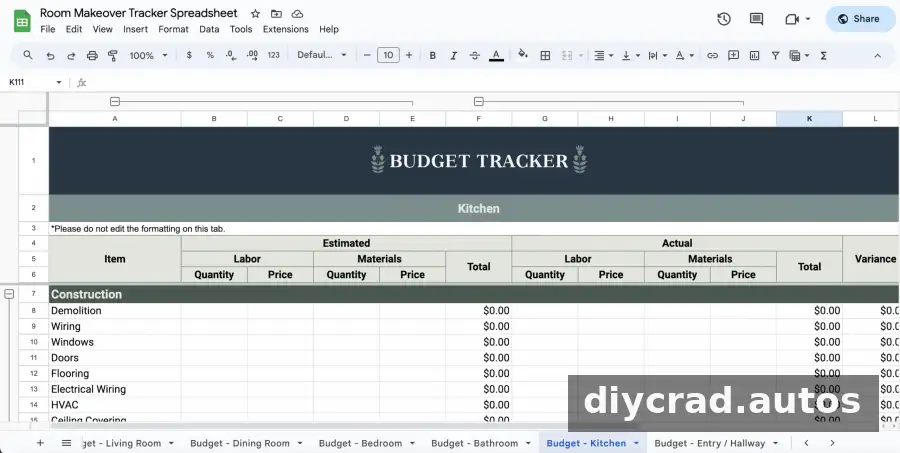
- Budget estimates and actual spending
- Room measurements
- Paint colors, furniture, and decor details
- Product sources and links
- Contractor contact information and communication
- To-do lists, project goals, and deadlines
Practical tip: Record estimated costs when you first add an item, then update the sheet with the final price after purchase. Keeping estimates and actual spending separate makes it easier to see where the budget has changed. If you request contractor quotes, include labor and materials where those costs are provided.
2. A Mood-Board Design Platform
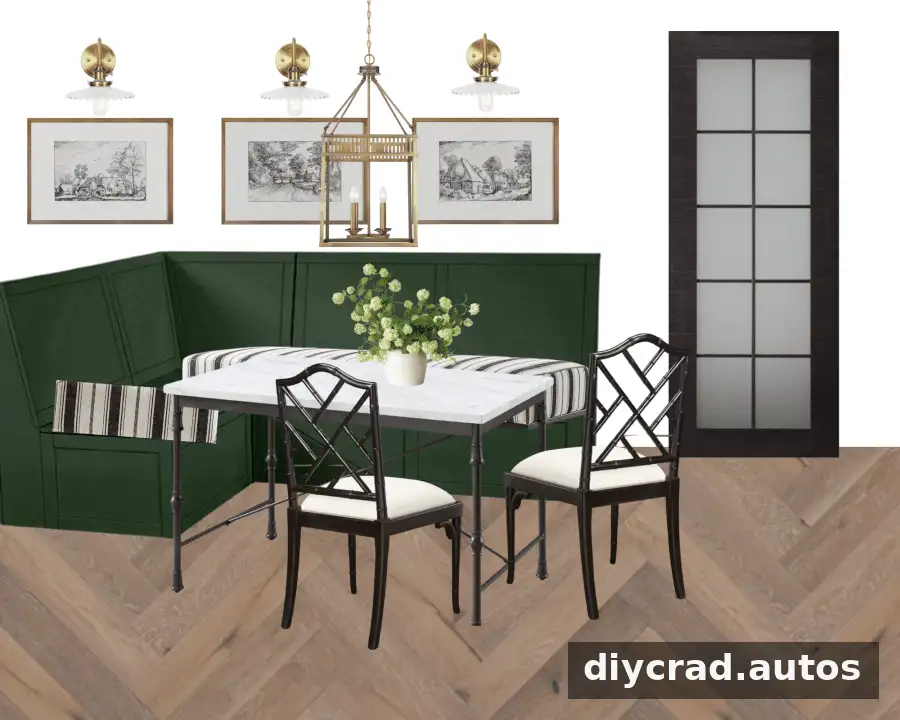
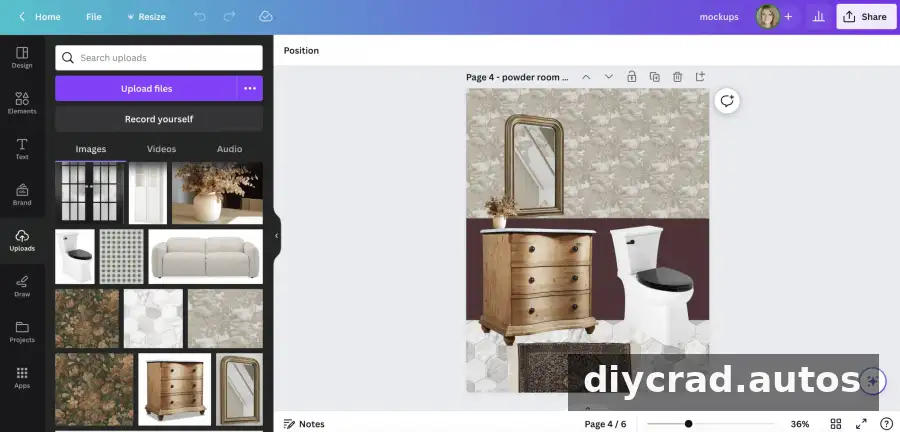
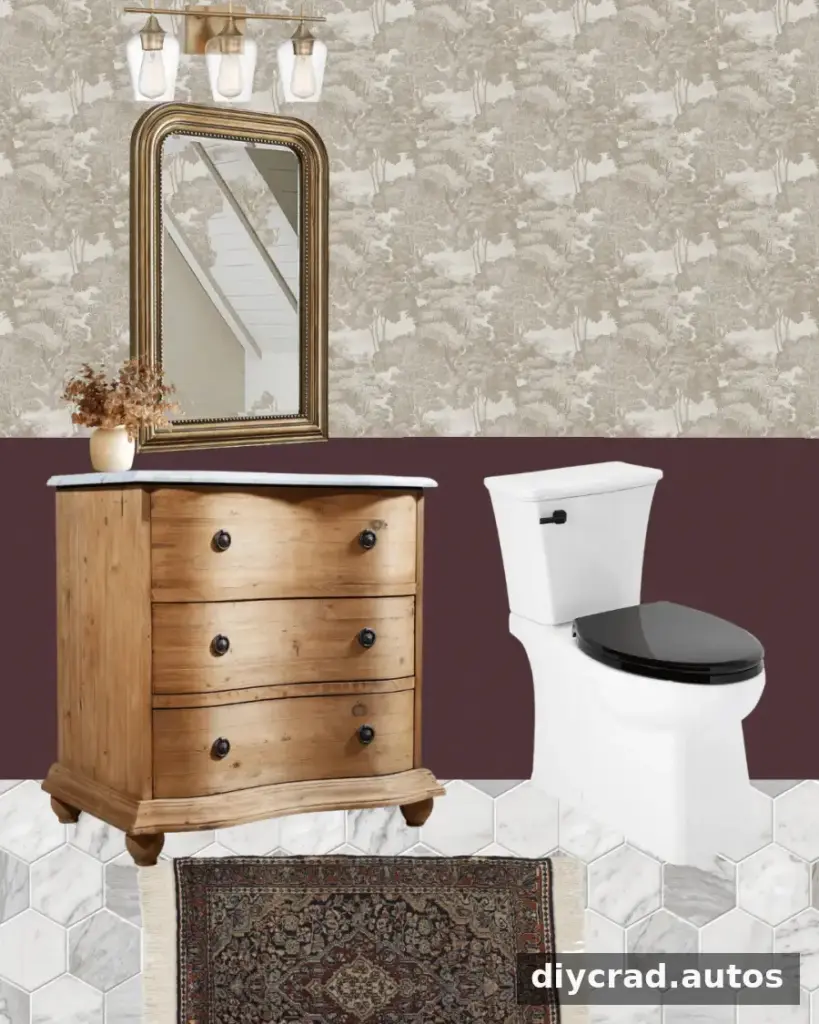
A mood board helps you see how colors, finishes, furniture, and decor might work together before committing to purchases. An online design platform with drag-and-drop features can make it easy to collect inspiration images and arrange them into one visual plan. Some platforms offer free versions, which can be sufficient for a basic project board.
Choose images that represent the items and finishes you are considering, rather than collecting inspiration without a clear purpose. Add short labels for colors, materials, or product choices so the board remains useful when you compare options. A simple slide-based tool can also work as a free alternative for gathering and arranging images.
Practical tip: Check that the items on your board suit the room’s existing conditions and your measurements. A visual match alone does not confirm that a piece of furniture will fit or that a finish is appropriate for the space.
3. A 2D and 3D Room Layout Planner
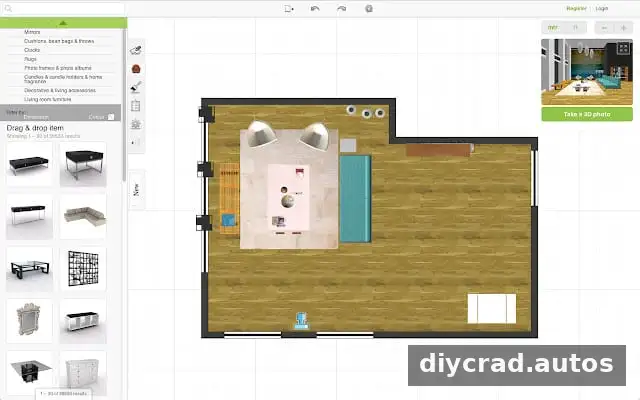
A room-layout planner can help you test furniture arrangements before moving or buying large items. The tool described here creates 2D and 3D renderings based on room dimensions and offers more than 120,000 furnishings and decor options to try in a design. A free room-planning resource can be useful for exploring possibilities without rearranging the actual room first.
Begin by entering the room’s measurements as accurately as possible. Then test different furniture positions and review the layout from more than one angle. A 3D view can help you understand how a plan may look, while a 2D plan makes it easier to compare the arrangement and available floor space.
Practical tip: Measure doorways, windows, and fixed features as well as the overall room. Check furniture dimensions before ordering; a rendered plan is only as reliable as the measurements entered into it.
Room Planning Example: A Powder Room
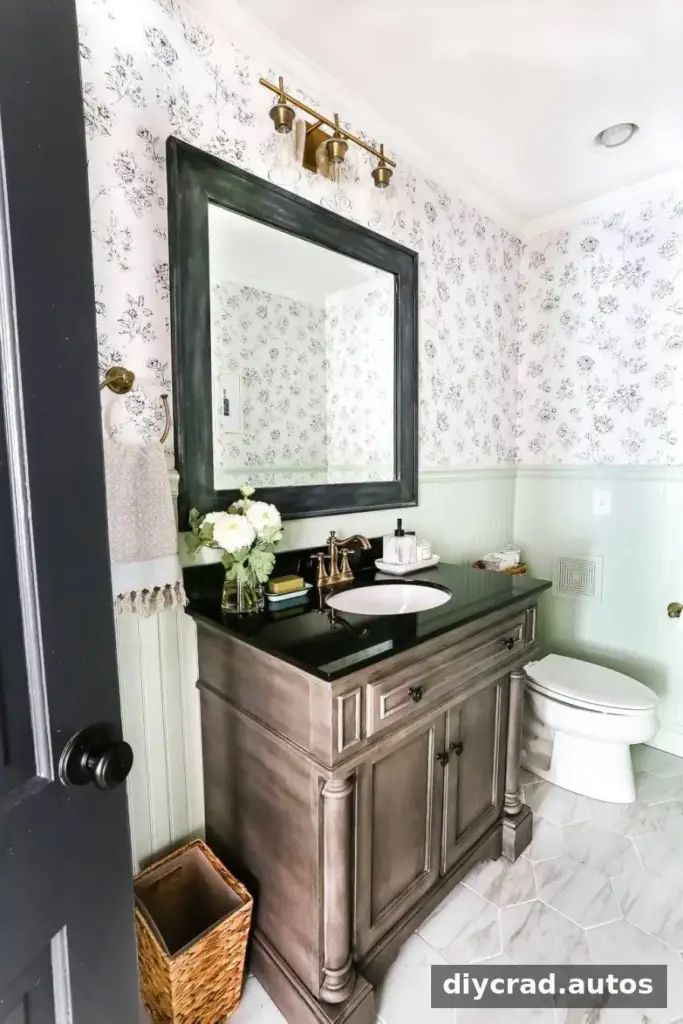
For a small powder-room update, the same tools can be used in a straightforward sequence. The project includes an existing vanity and damaged wallpaper that are due to be replaced, so measurements, product choices, and costs should be recorded before work starts.
- Enter the room measurements in the spreadsheet, including the positions of doors, windows, and other fixed features.
- Collect bathroom inspiration and add useful product links to a source list.
- Record the cost of each planned item in the budget. If hiring contractors, request quotes and note the labor and materials costs provided.
- Arrange images of the selected items and finishes into a mood board. Use the layout planner too if you are considering a different furniture arrangement.
- Review the plan, confirm measurements and costs, then set up a task list with deadlines before ordering items.
This order helps connect the visual plan to the project’s practical requirements. Reviewing the budget, measurements, and schedule together before making purchases can help you spot mismatches early. Keep the task list updated as decisions are made, and adjust deadlines when project details change.
Make Your Room Makeover Plan Easier to Manage
The most useful room makeover planning tools are the ones that make your next decision clearer. A spreadsheet keeps project details together, a mood board helps you assess the overall look, and a 2D or 3D planner lets you explore furniture layouts. Start with accurate measurements, track costs as they change, and set realistic deadlines. With these basics in place, room makeover planning tools can help you approach the project with a more organized plan from the first idea to the final task.

