


Finding great Facebook Marketplace deals can make it easier to furnish a home on a budget, discover distinctive vintage pieces, or resell furniture. The best results usually come from searching regularly, knowing what you need, checking an item’s condition, and making a safe plan before paying or collecting it.

Furnish Your Home with Facebook Marketplace Deals
Local listings can help buyers find secondhand furniture and decor, while selling items you no longer need may provide extra money for a room refresh. Because listings change frequently, it helps to approach Marketplace with a clear plan rather than buying the first appealing item you see.
Secondhand shopping can also give usable furnishings a longer life. Before making a purchase, compare the asking price with similar items and consider the time and cost of cleaning, repairs, transport, or refinishing.
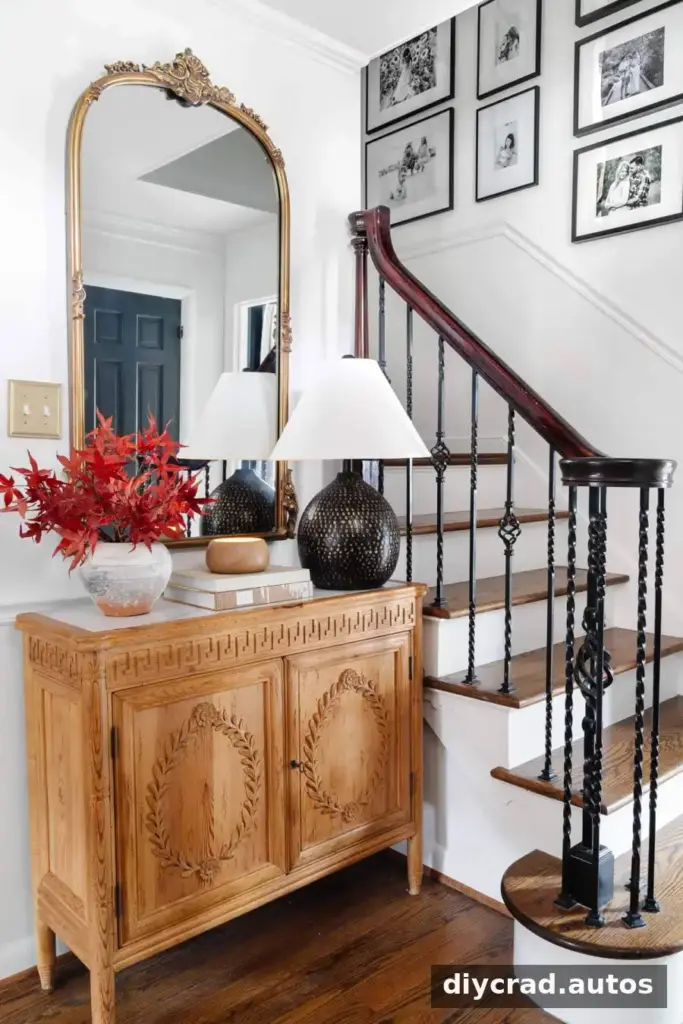
How to Find the Best Furniture and Decor Deals on Facebook Marketplace
1. Make a list of what you need
Keep a short list on your phone with the items you are looking for, your budget, and the places where each item will go. Measure the available space and note a suitable size range, including doorways and staircases the furniture must pass through. This helps you avoid buying a bargain that will not fit.

2. Filter your Marketplace search
Search filters can narrow a large set of listings to items that better match your budget and location. Available options may differ depending on the item, location, and version of Facebook.
- Open Marketplace: Use the Marketplace section in the Facebook app or website.
- Search for an item: Enter a broad term such as “furniture” or a specific item such as “sofa” or “bookshelf.”
- Set your location: Choose a city or postal code and adjust the search radius to suit how far you can travel.
- Set a price range: Enter minimum and maximum prices that fit your budget.
- Choose condition: If a condition filter is available, select the option that matches what you are willing to consider.
- Try optional filters: Color, material, or style filters can be useful, but leaving them blank may show more listings when sellers have not filled out those details.
- Review and adjust: Browse the results, then expand your price range or location if you are not finding suitable options.
- Contact the seller: Ask relevant questions and arrange an inspection or pickup before committing to the purchase.
Check the filters shown in your own search, since Marketplace features and menu labels can change. A wider search radius may reveal more choices, but remember to include travel and delivery costs in your budget.
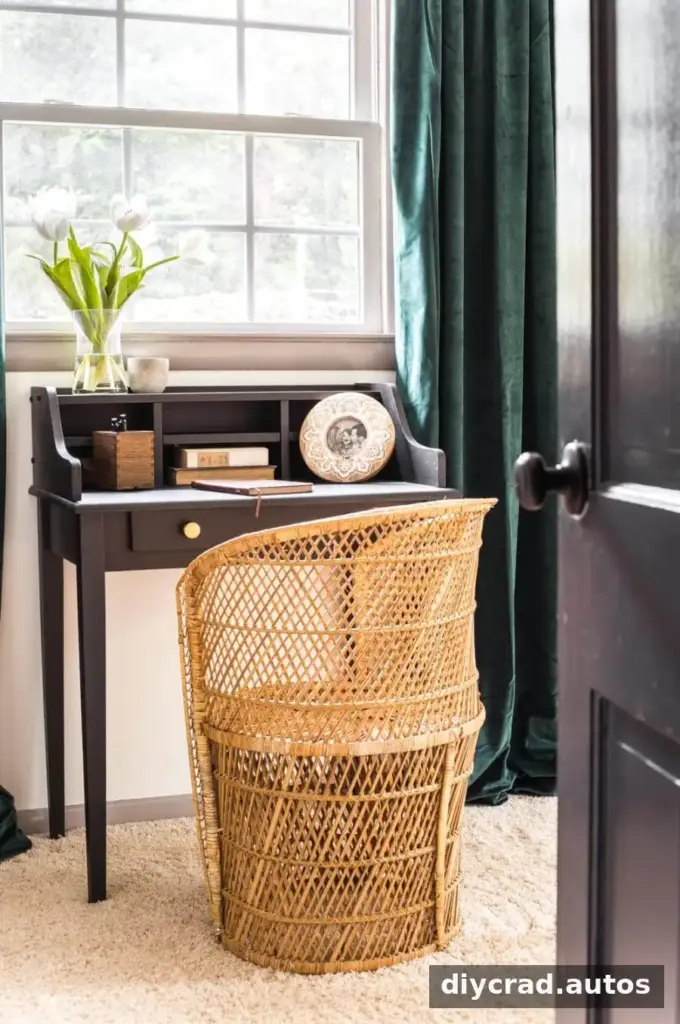
3. Search regularly
New listings appear throughout the week, so checking regularly can help you spot suitable items sooner. Weekends and public holidays may be worthwhile times to browse, as some people use their days off to declutter. Save your search terms or set reminders if you do not want to rely on memory.
4. Use a range of search terms
Try different words for the same type of item. Pair a style, material, or age descriptor with the item name, such as “rustic desk,” “mahogany side table,” “vintage armchair,” “rattan chair,” or “Persian rug.” In areas with many listings, searching a particular brand or design style may help; in smaller towns, broader terms may work better.
Misspellings and varied descriptions can affect what appears in search results. If a search is too narrow, remove one descriptive word and try again.

5. Look for potential, not just perfect photos
When assessing furniture, consider its dimensions, shape, construction, and overall condition as well as its color or upholstery. A piece may be worth considering if it can be safely cleaned, painted, reupholstered, or refinished. However, estimate the cost and effort of any work before deciding that a low price is a good deal.
Photos can be affected by lighting or camera quality, so ask for clear, recent pictures of areas that are not shown. Do not assume an item is in good condition just because it looks attractive in a listing.

6. Refine the listings you see
Marketplace recommendations may reflect your browsing activity. Viewing and saving listings that match your preferences can help shape the recommendations shown to you, although results are not guaranteed to follow a particular style. Continue using direct searches as well, since relying only on recommendations may leave out relevant listings.
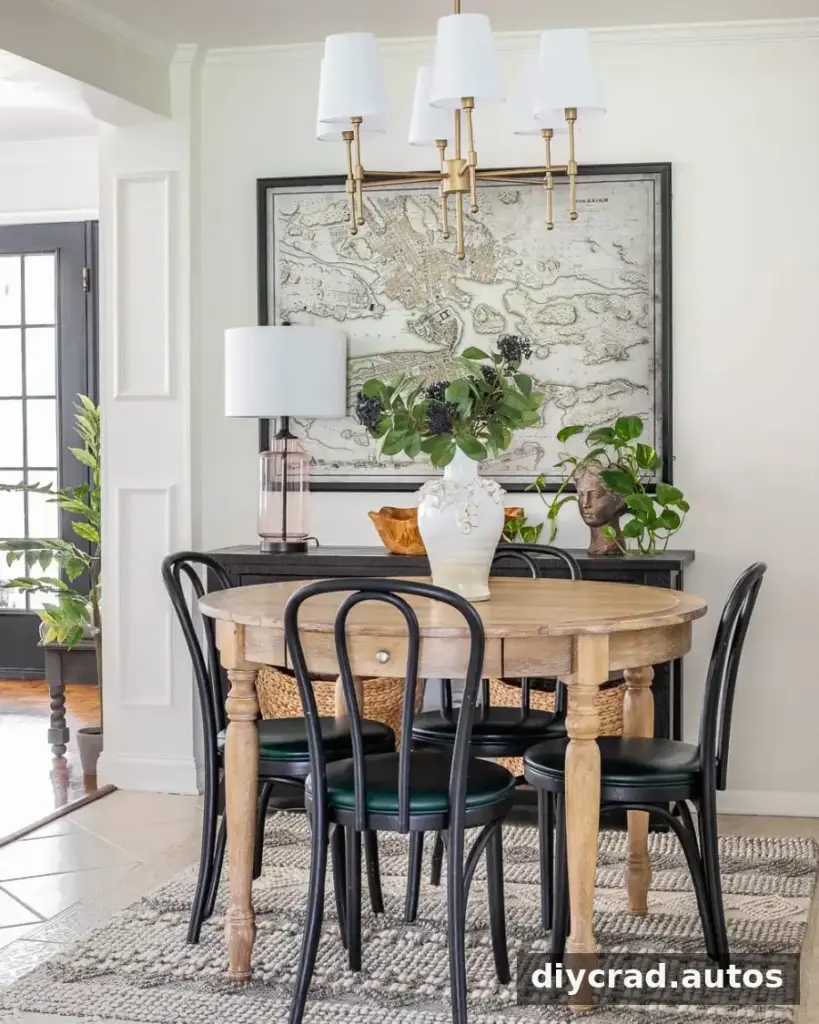
What to Do When You Find an Item You Like
1. Send a prompt, clear message
Popular or well-priced items may attract multiple enquiries. If you are interested, contact the seller soon to ask whether it is still available. Avoid making a commitment until you have enough information to assess the item and agree on the arrangements.
2. Be polite and responsive
A brief greeting and a specific question make communication easier. Reply promptly when you can, and be clear about when you could collect the item. Courteous, practical messages help both parties decide whether the sale is a good fit.
3. Make a realistic offer
If the item suits your needs, consider whether a fair offer or quick pickup would be useful to the seller. Do not offer more than you can afford, and do not feel obliged to increase your offer without comparing prices and checking the item’s condition.

4. Ask about size and condition
Confirm the dimensions, any damage, and whether the item is available for inspection. Keep your questions focused so the seller can respond clearly. For furniture, also check whether it can be disassembled and whether you will need help loading it.
5. Be cautious with deposits and payments
Do not send money simply because a seller says it will reserve an item. Payment services have different terms, and a payment may be difficult or impossible to recover depending on how it is sent. Review the service’s current protections and use a payment method you understand. Never share a verification code, password, or unnecessary personal information with a seller.
Whenever practical, inspect the item before paying. If you agree to pay electronically or leave a deposit, confirm the arrangement and amount in writing and be alert to requests to move the conversation or transaction off-platform.

6. Negotiate based on the item’s value
Compare the listing with similar items and, where relevant, the price of a new equivalent. The source of the asking price and the item’s condition matter: a recently listed item may not leave much room for negotiation, while visible damage or an unusually high price may support a different offer. Use Marketplace’s offer feature if available, and keep negotiations respectful.

How to Spot Potential Marketplace Scams
Most online listings require ordinary caution. Treat the following as warning signs rather than proof of a scam, and pause if you cannot verify the listing or feel pressured to pay.
- A price that seems unusually low: Compare similar listings and ask why the item is priced that way.
- Stock or unclear photos: Request recent, specific pictures, including close-ups of wear or damage.
- Pressure to pay quickly: Be cautious if the seller will not allow reasonable questions or an inspection.
- Unusual payment requests: Avoid gift cards, wire transfers, cryptocurrency, or other methods you cannot confidently verify or challenge.
- Refusal to arrange a reasonable handoff: Be careful if a local seller refuses any safe way to inspect or collect the item.
- Shipping-only claims for local items: Verify the shipping arrangement and all costs before agreeing.
- Limited or inconsistent information: Ask for clear details about the item’s condition, availability, and pickup arrangements.
- Requests to leave Marketplace: Be wary of links or requests to continue through unfamiliar websites, email, or messaging services.
- Profile or rating concerns: Review the seller’s available profile information and feedback, but remember that ratings and account details alone cannot confirm whether someone is trustworthy.
Do not share login details or verification codes. If a deal feels suspicious, step away and use the platform’s reporting options where appropriate. Never let urgency override basic checks.

Prepare for Pickup
1. Confirm the details in advance
Agree on the pickup time, address or meeting point, payment method, and whether the seller can help load the item. Bring the correct payment amount if paying in cash, and do not assume the seller can provide change. For large furniture, make sure your vehicle and the number of people helping are suitable.
If you need delivery, arrange it before the sale and include the cost in your budget. Confirm that the delivery provider can handle the item’s size and weight.
2. Be considerate
Keep communication respectful and let the seller know promptly if your plans change. Clear arrangements reduce wasted trips and make the exchange easier for everyone.
3. Inspect before you take the item
Check that the item matches the listing and review its condition in person. If it is materially different from what you were told, you can politely decline rather than feeling pressured to complete the purchase.
4. Make safety a priority
Choose a public, well-lit meeting place when practical, such as a designated safe-exchange location in your community. If you need to visit a home to collect a large item, tell someone where you are going and consider bringing another person. Trust your judgment and leave if the situation feels unsafe.
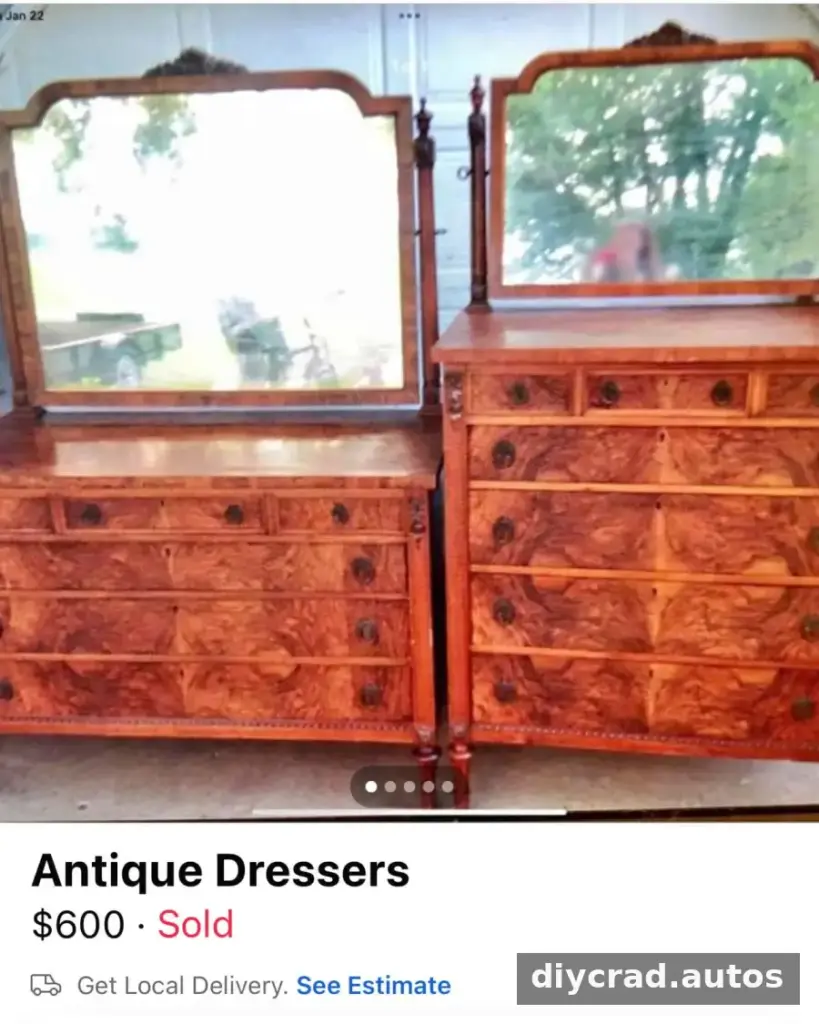

The Key Rules for Finding the Best Facebook Marketplace Deals
- Be consistent: Check new listings regularly.
- Be patient: Wait for an item that fits your needs and budget.
- Consider a wider search: Traveling farther may provide more options, but account for transport costs and time.
- Stay safe: Verify details, use care with payments, and plan pickup thoughtfully.
With a clear list, flexible search terms, and careful checks, Facebook Marketplace deals can help you furnish a home for less and find one-of-a-kind secondhand pieces. Take time to compare prices, inspect condition, and arrange a safe handoff. Buying used can also keep usable items in circulation, while patience helps you focus on purchases you genuinely need.
Common Questions
How do I change my Marketplace location?
Open Marketplace and look for the location or search-radius control near the search results. Choose a location and radius that work for you. Menu names and available settings can vary by device and app version; if location access is needed, review Facebook’s app permissions in your device settings.
How do I stop seeing a particular listing?
Open the listing and look for the menu, often shown as three dots. Choose the option to hide the listing if it is available, then follow the on-screen instructions. Marketplace controls may change, so check the options shown in your app.

